
English
MANAGE MEMBER
Invite members to a trip
Tap the "Add" button below to start inviting.
Choose "Member" to round up your travel buddies.
Add them by email if they're already users, or nickname if they're new.
Tap "Add" to make it official, then tap "Done" when you're finished.


Set member's nickname
Want to make member names more personal? Nicknames are the way to go!
Tap on the member you want to update.
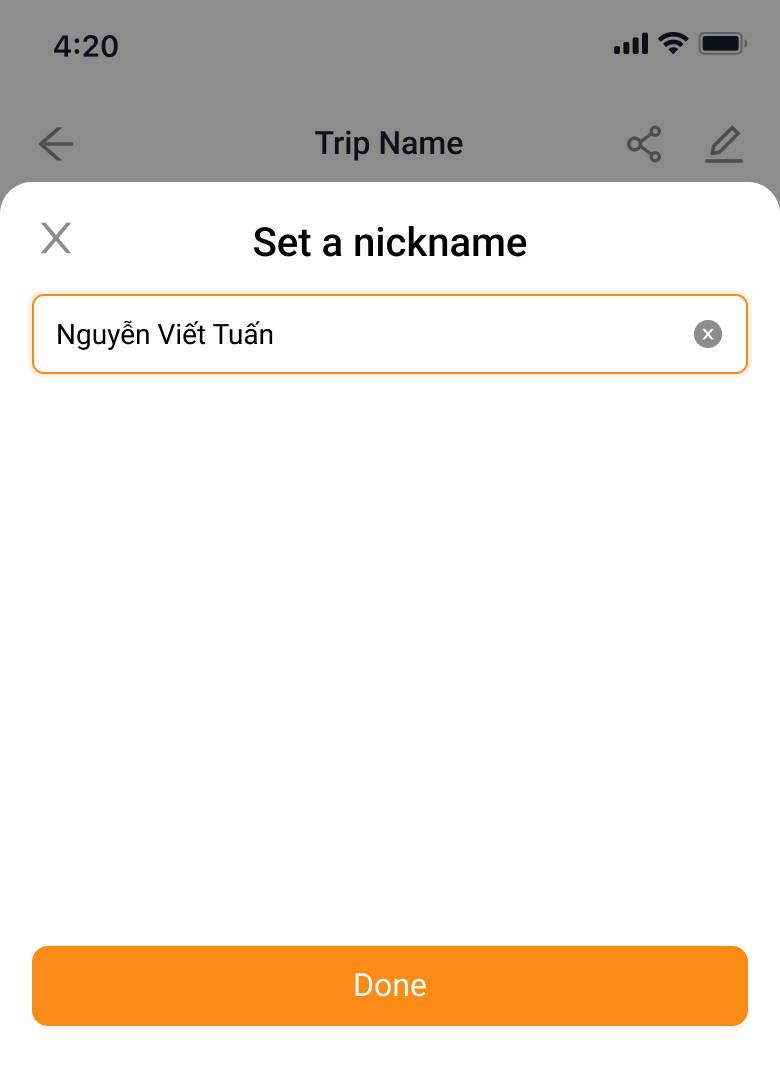
Choose "Set a nickname" and unleash your creativity.
Enter their new nickname and watch it take hold!

Delete member
Need to remove a member from your trip? Here's how:
Tap on their name to get started.
Choose "Delete member" to make the change.
Confirm the deletion
